


Our New Website is coming in September.
The frontpage will show The West Cliff Logo in the centre at the top and then the main image (Shown here with Mark Smith) will change every few seconds to show our upcoming performances.
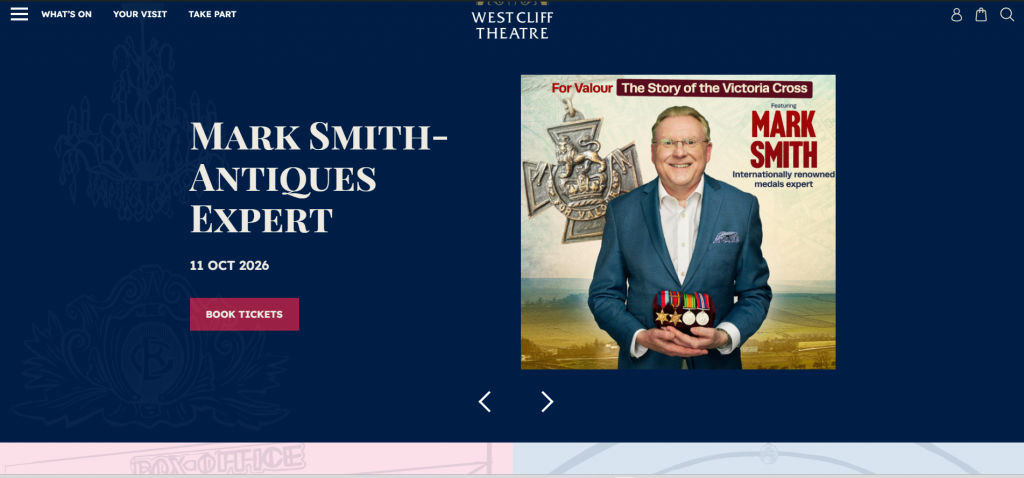
You can then scroll down to see the rest of the front page (shown below) or use the menu buttons across the top to navigate to other pages.
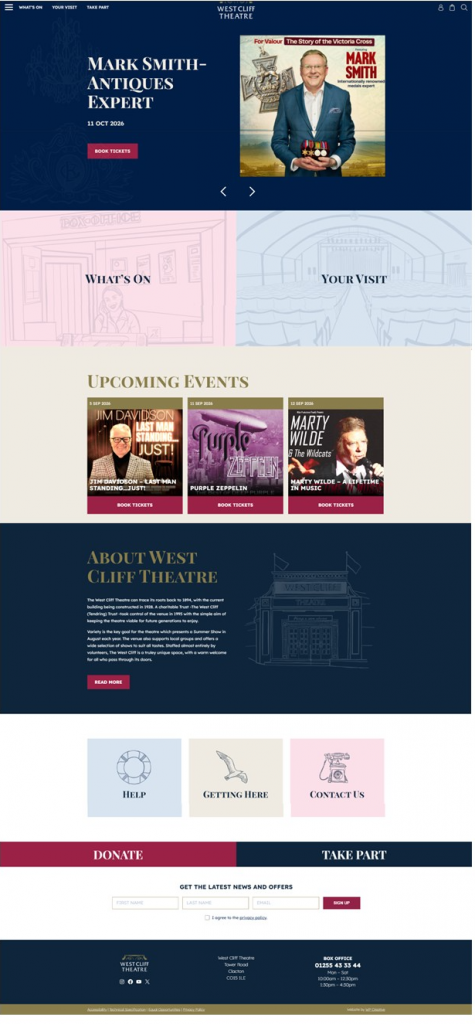
If you are looking for ALL our shows, click on the words What’s On (top left) or image with What’s On.
……………………………………………
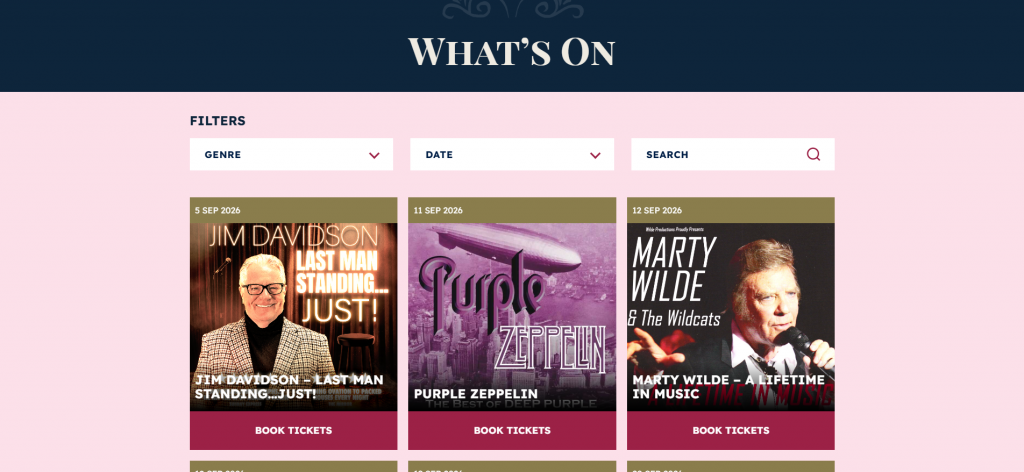
You will then see all our shows in date order with a Book Tickets button under each image (See image below). You can also refine your search here by Genre and Date. Once you click on Book Tickets, you will be taken to the Info page for that show (which is the same as our current site). This will show the date, time, price etc, along with some information about the show, a video and gallery.
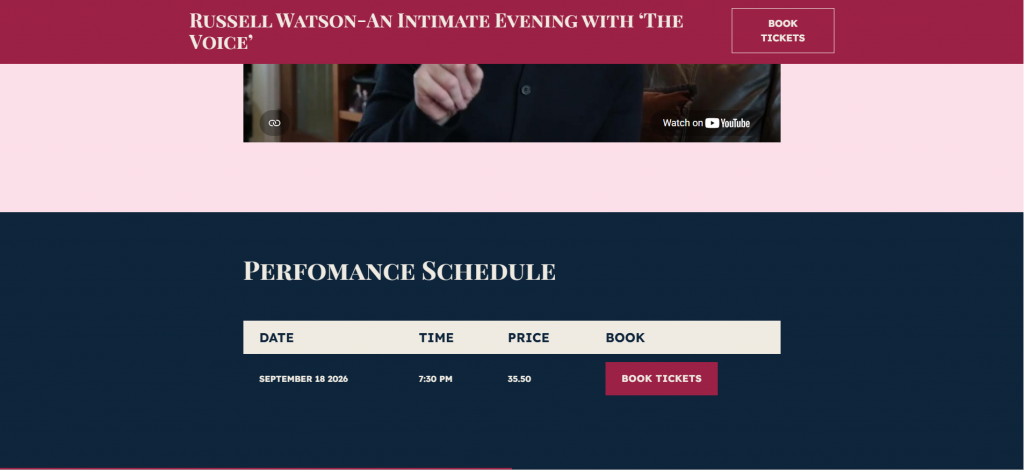
You then click on Book Tickets at the bottom of the page under Performance Schedule (see image below) and you will then see the seating plan as normal for any online bookings.
……………………………………..
To search for a specific show from the Front Page, click on the magnifying Glass image (Top Right). This opens a large search area (shown below).
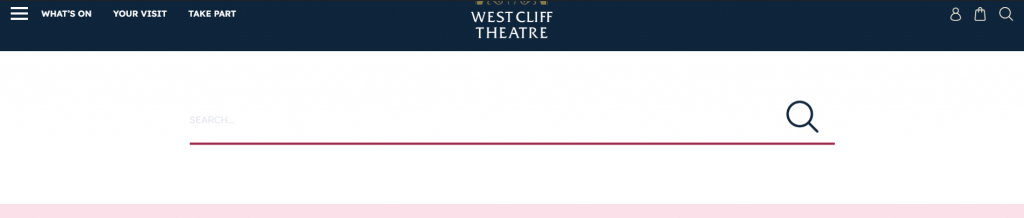
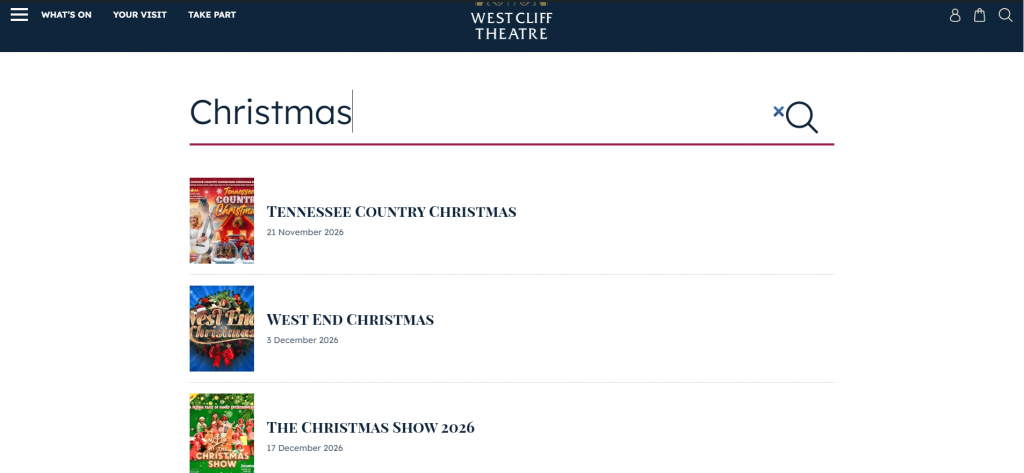
Now start to type the name of the show (Christmas in the example below) and you will see several options come up. Click on the one you want. You can also use this to find certain pages on the site.
……………………………………….

The symbol above (found on the Top Right of the Front Page) will take you to your Account sign in.
………………………………………
To find things like The Friend Page or about Volunteering, click on Take Part (Top left). Other area’s can also be found by clicking the words here or from clicking on the 3 line menu button (Top Left).
…………………………………….